




If you have ever had a client ghost you after the first delivery or spiral into endless “quick revisions,” chances are your client onboarding system was not doing its job.
Client onboarding is more than paperwork: it is your first respect system. It determines how professional you appear, how clear expectations are, and whether clients stay long enough to become advocates. A chaotic start equals distrust, whereas a structured system equals respect, retention, and relief.
In this guide, we will walk through eight practical checks that transform your client onboarding process into a professional, scalable system. This approach saves hours every week and builds lasting client relationships.
Table of Contents
The Foundation: What Makes a Great Client Onboarding System
A strong onboarding workflow has three goals:
- Trust: Move clients from confusion to confidence.
- Boundaries: Create structure and clarity before the first deliverable.
- Efficiency: Save your team hours of manual back-and-forth.
When you build your onboarding as a repeatable system, complete with templates, automation, and checkpoints, you save time and gain authority.
Learn how to design these workflows visually inSystem Mapping 101: 4 Visual Templates to Reveal Hidden Bottlenecks and Relief.
The 8 Checks of a Respect-Driven Client Onboarding System
Check 1: The Pre-Qualification Filter
Before any signature is dry, filter who you work with. This saves significant headaches later.
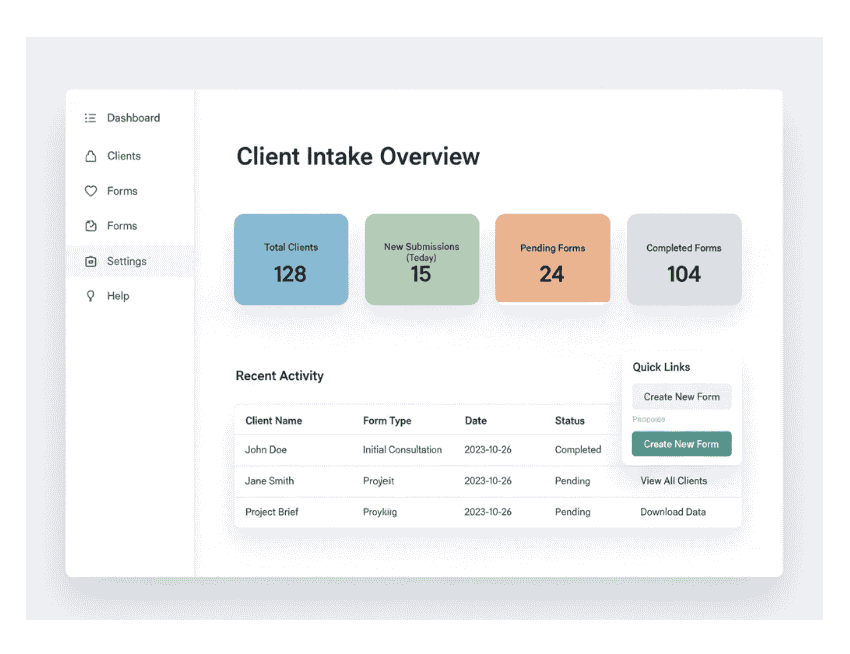
- How to do it: Create a client intake form using Google Forms or Typeform.
- What to ask: Inquire about project scope, budget, goals, and decision-making timelines.
- The Workflow: Automate notifications to your CRM or Notion workspace.
Why it matters: When clients self-qualify, they respect your process more. It demonstrates that you value a proper fit over “fast money.”
Check HubSpot: How to Create a Client Intake Form That Works
Check 2: Contract & Expectations Sync
Contracts protect both parties, but truly great contracts clarify the nature of the collaboration.
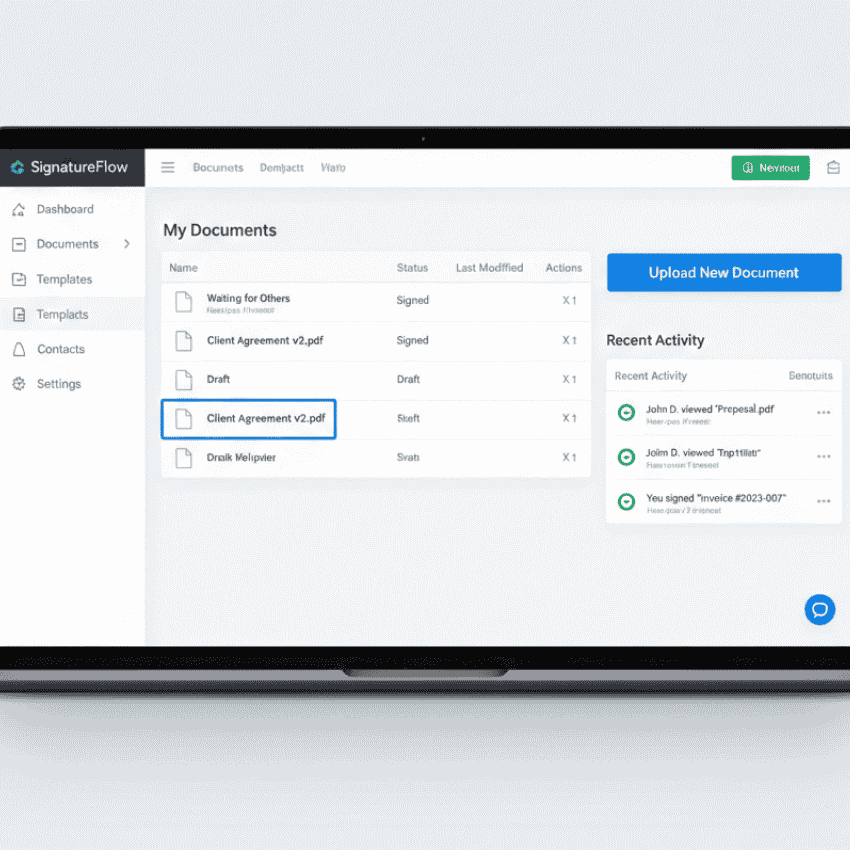
- Steps: Use tools like HelloSign, Bonsai, or SignWell for automation.
- Content: Include clear deliverables, timelines, feedback rules, and payment milestones.
- Follow-up: Send a confirmation email summarising expectations in bullet points.
Pro Tip: Treat this email as your “professional handshake.” It reduces misunderstanding and builds immediate trust.
Check 3: The Welcome Packet That Wows
Your welcome packet is your first brand experience in action. It should make clients feel proud that they chose you.
What to include:
- A short introduction about your process and preferred communication tools.
- Timelines, deliverable samples, and a meeting schedule.
- Links to shared tools and resources.

Check 4: The Kickoff Meeting Blueprint
A kickoff call is where expectations transform into momentum.
Structure:
- Structure: Recap project goals and success metrics.
- Accountability: Assign responsibilities and clear next steps.
- Transparency: Record the meeting and store the replay in the client workspace.
Read Asana: Best Practices for Client Kickoff Meetings

Check 5: Shared Workspace Setup
Centralisation is everything. Stop letting projects scatter across email threads.
Setup Tools:
- Set up tools: Notion, ClickUp, or Trello for project tracking.
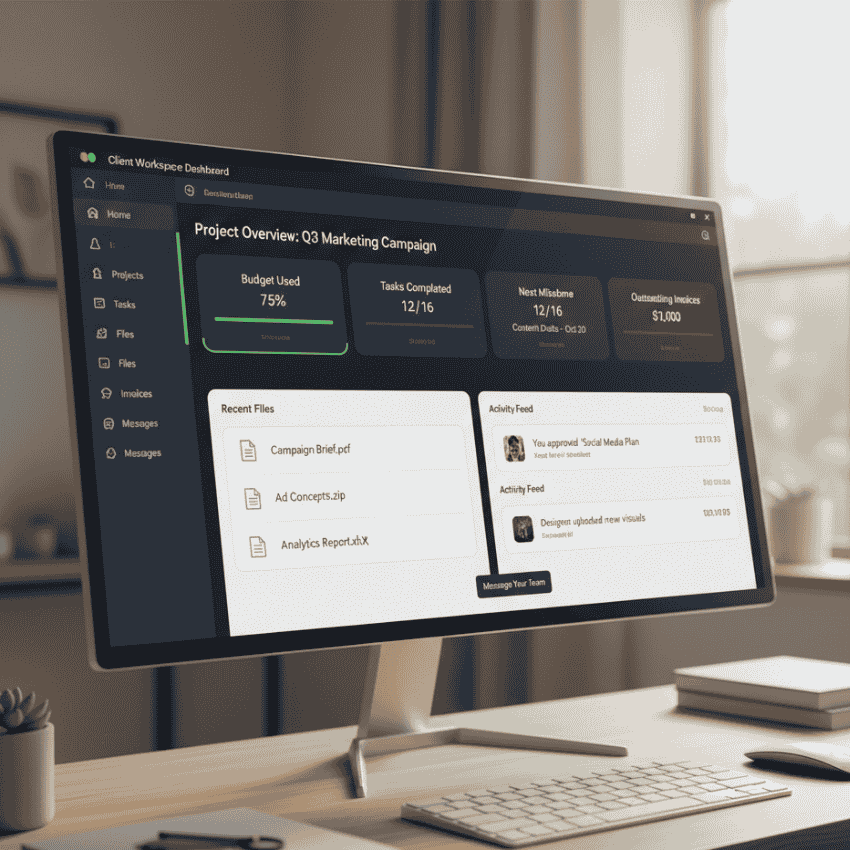
- Organisation: Create client-specific dashboards with timelines and tasks.
- Integration: Link files, notes, and deliverables in one unified view.
Automation Tip: Use Zapier to create a workspace from a client intake form automatically.
Check 6: Feedback System Loop
Feedback is essential, but chaos is not. Create a process that collects input efficiently to avoid “feedback fatigue.”
- Options: Use Google Forms or Loom video replies for structured feedback.
- Boundaries: Limit revision rounds within your contract.
- Centralisation: Keep one central place for all review links.

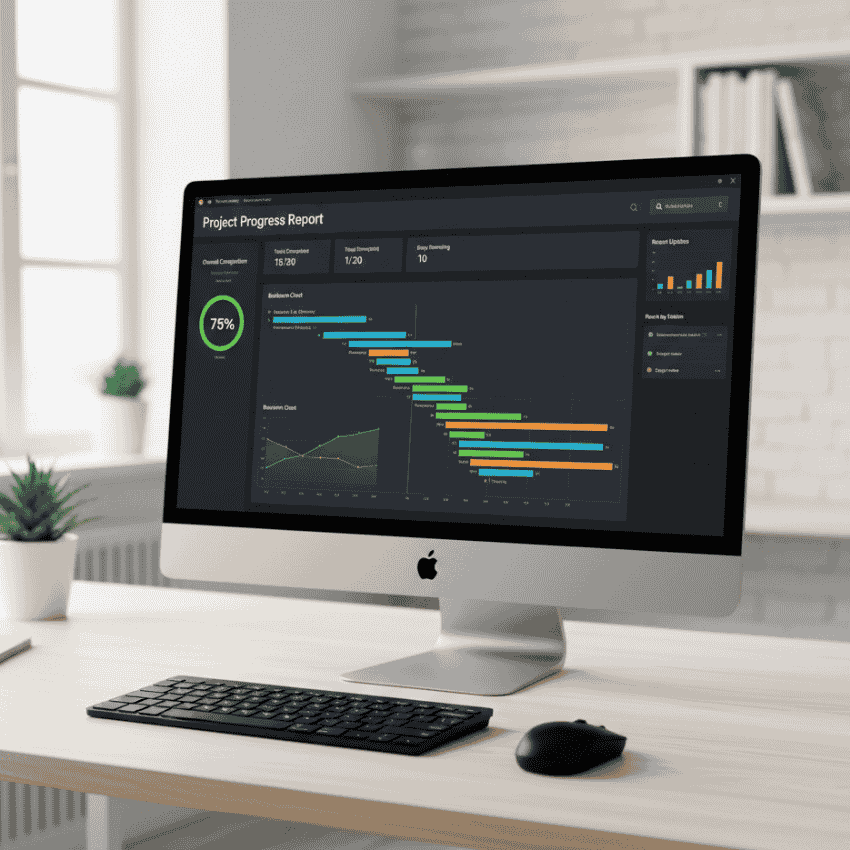
Check 7: Progress Reporting & Update Rhythm
Consistent reporting equals high retention. Clients trust creators who communicate proactively.
- Best Practices: Send fortnightly summaries with progress charts and upcoming tasks.
- Value: Include small wins and metrics that prove the value of your work.
- Standardisation: Use templates to ensure updates remain consistent and easy to read.
See more inAnalytics Workflow: 6 Simple Reports That Turn Confusion Into Calm, Smart Decisions.
Check 8: Offboarding & Future Offers
Closing a project with structure leads to more referrals and retainer work.
Offboarding System:
- Deliver all final files and assets.
- Request testimonial or case study feedback.
- Offer an ongoing maintenance or retainer package.
Automation Tip: Use a template that automatically sends your “Project Closure” checklist once you mark a client as complete in your CRM.

The Automation Advantage: Save Time Without Losing Touch
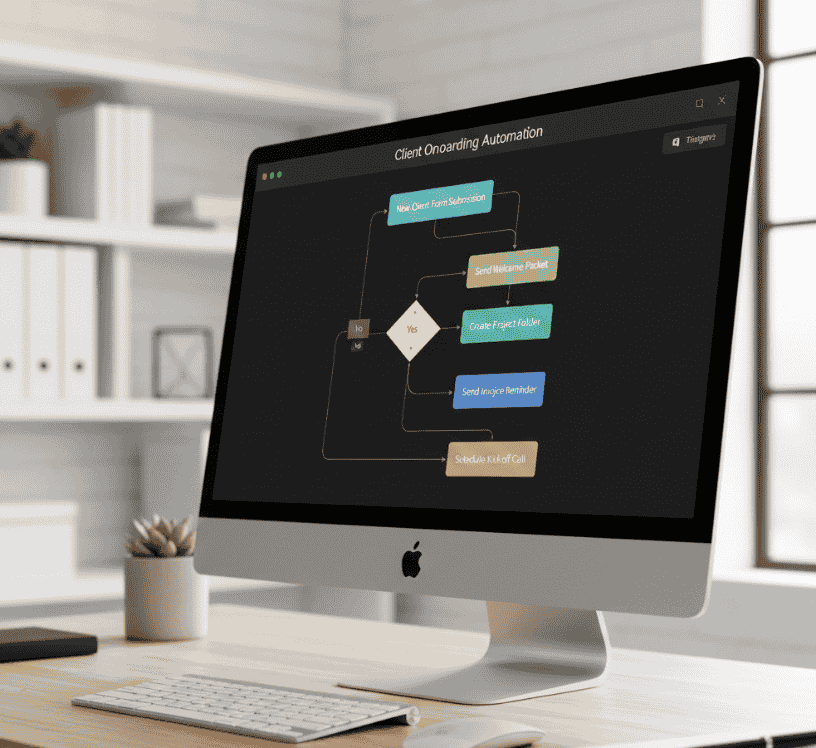
A well-built onboarding system is not about being robotic: it is about freeing your creative energy. By using automation tools like Zapier, Airtable, and Google Drive scripts, you can:
- Trigger contracts automatically once an intake form is completed.
- Assign tasks instantly to your team members.
- Send welcome packets without manual uploads.
The result is more clarity, less chaos, and several hours saved every single week.
See Zapier: Automation Workflows for Client Management
Respect Earned Is Retention Secured
A solid client onboarding system is about more than just efficiency: it is about earning respect. When clients feel guided and informed from day one, they stay longer, trust you deeper, and refer you to others faster.
Start with one check this week. Systemise it. Then move to the next. Within a month, your entire onboarding flow will feel like a well-oiled machine that runs itself while your clients sing your praises.